
Pick a light
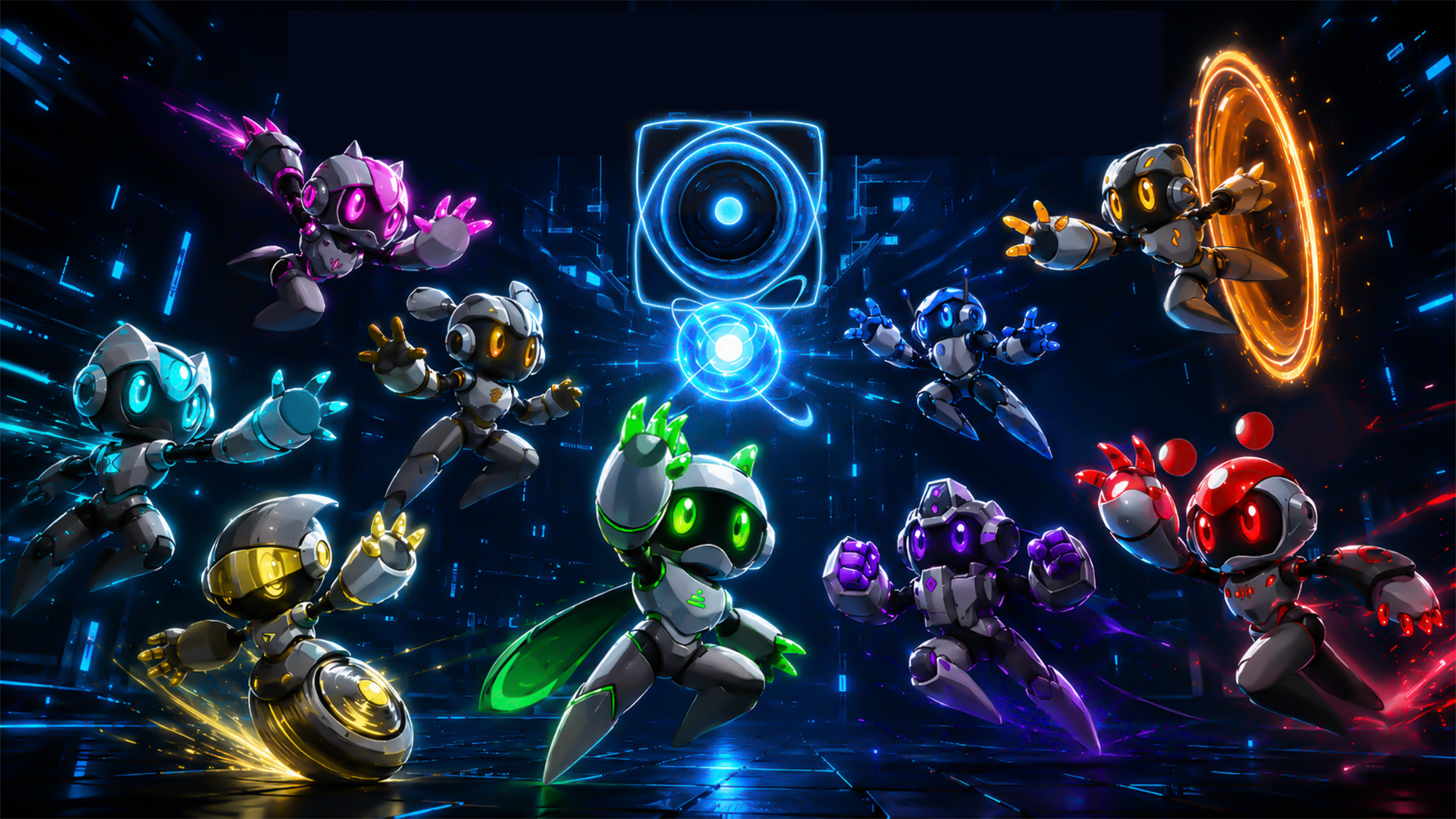
Neo Light is a precision platformer. Nine robots, one power each, and you switch between them on the fly.
Click a robot, or press its number.
Six stages
Thirty levels, five to a stage, and every stage has hazards of its own. Pick one to take a look.
No signal
Neo Light Demo
The Steam demo runs smoother and always has the latest update.
The demo needs a computer. Play it there, or get it on Steam for later.
Get the demo on SteamAbout
Neo Light is a brutal 2D precision platformer where you master 9 short-burst powers, survive deadly rooms and face satirical bosses while Glitch, a sarcastic in-game assistant, guides you through the chaos and mocks your failures.
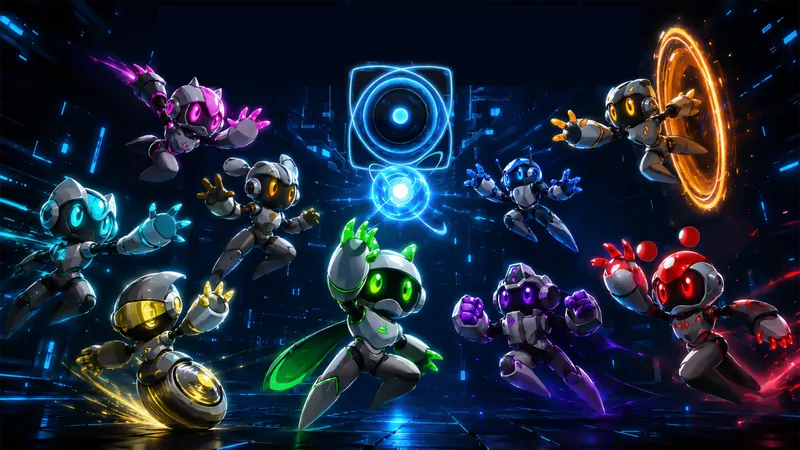
Run, jump, slide, crouch, and swap between 9 different “lights,” each giving your shape-shifting robot a short-burst power that changes how you move through deadly rooms.
Every stage is built around quick reactions, clean movement, instant retries, and routes that reward mastery. Neo Light is designed for players who enjoy dying, learning, improving, and eventually making a very challenging section look effortless.
Across colorful environments, you will face deadly traps, aggressive enemies, speedrunning routes, and satirical bosses that parody classic 2D platforming tropes. Along the way, Glitch, a sarcastic in-game assistant, can guide you through the chaos, react to your failures, and mock you when you inevitably die again.
Key features
- 9 shape-shifting powers with limited energy and movement-based recharge.
- Precision platforming built for speedrunning, with fast retries and routes to master.
- Multiple environments across factory, jungle, desert, cave and ocean.
- Instant-death traps and tight level design where every mistake matters.
- Satirical bosses and enemies that parody classic 2D platformer tropes (Omega Male, for example, parodies Mega Man).
- Optional Glitch AI assistant, a sarcastic in-game companion that can guide and react to the player.
- Solo-developed project.
Factsheet
- Game
- Neo Light
- Developer
- Solo developer / SoloMonGames
- Publisher
- Self-published
- Genre
- Precision platformer, speedrunning platformer, action-comedy
- Platform
- PC / Steam
- Engine
- Unity
- Players
- Single-player
- Release
- 19 November 2026
- Price
- To be announced
- Languages
- English
- Availability
- Demo currently available
- Steam
- Store page (app 2983530)
- Contact
- neolightgame@gmail.com
Trailer
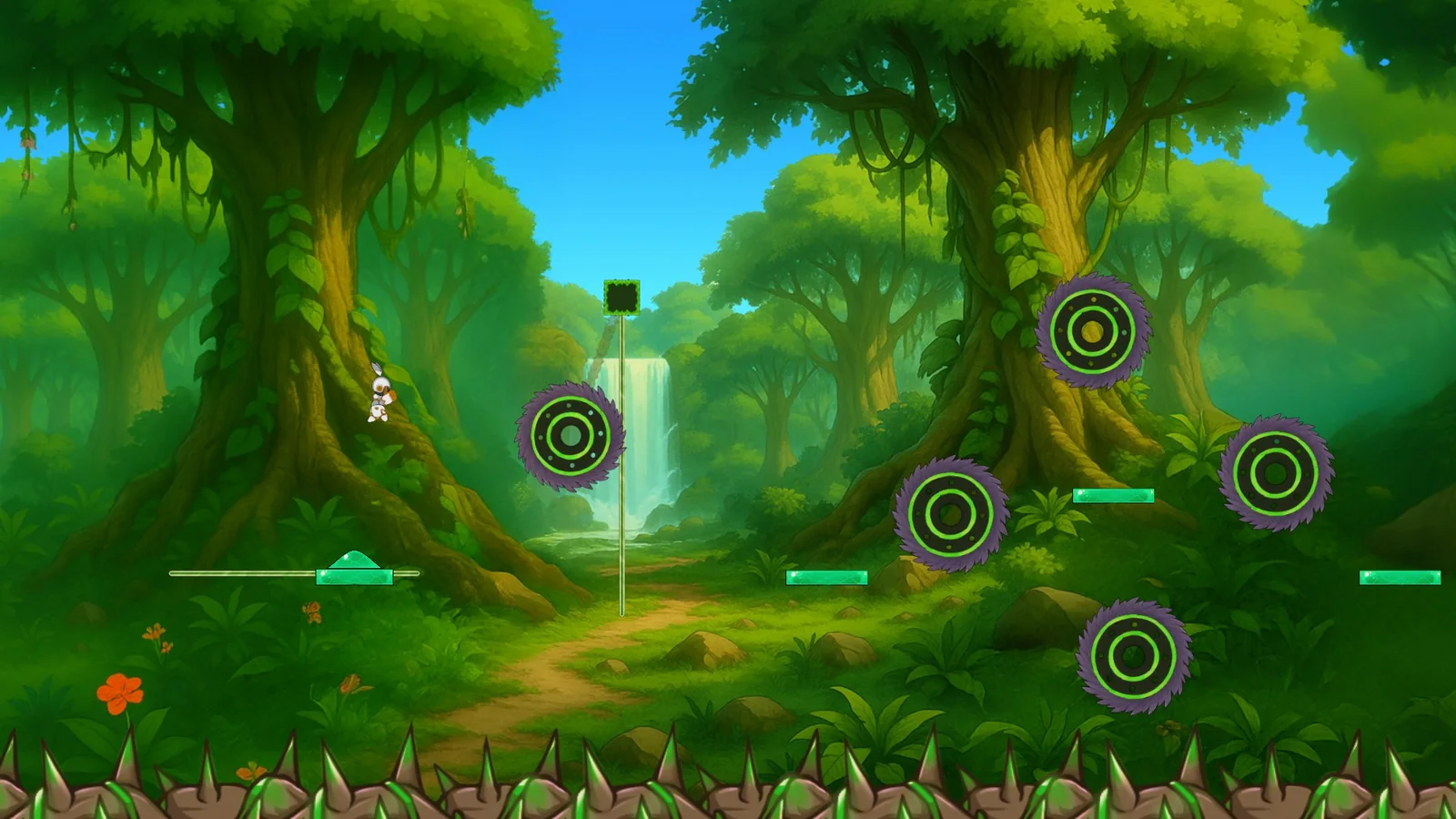 Neo Light: the demo is outWatch on YouTube (opens in a new tab)
 Clips
Short previews, without sound. The full press kit has every clip at 1080p and 60 fps.
-
The Factory 9 s -
The Jungle 9 s -
The Desert 14 s -
The Cave 17 s -
Omega Male, a boss 20 s -
Glitch, being supportive 13 s
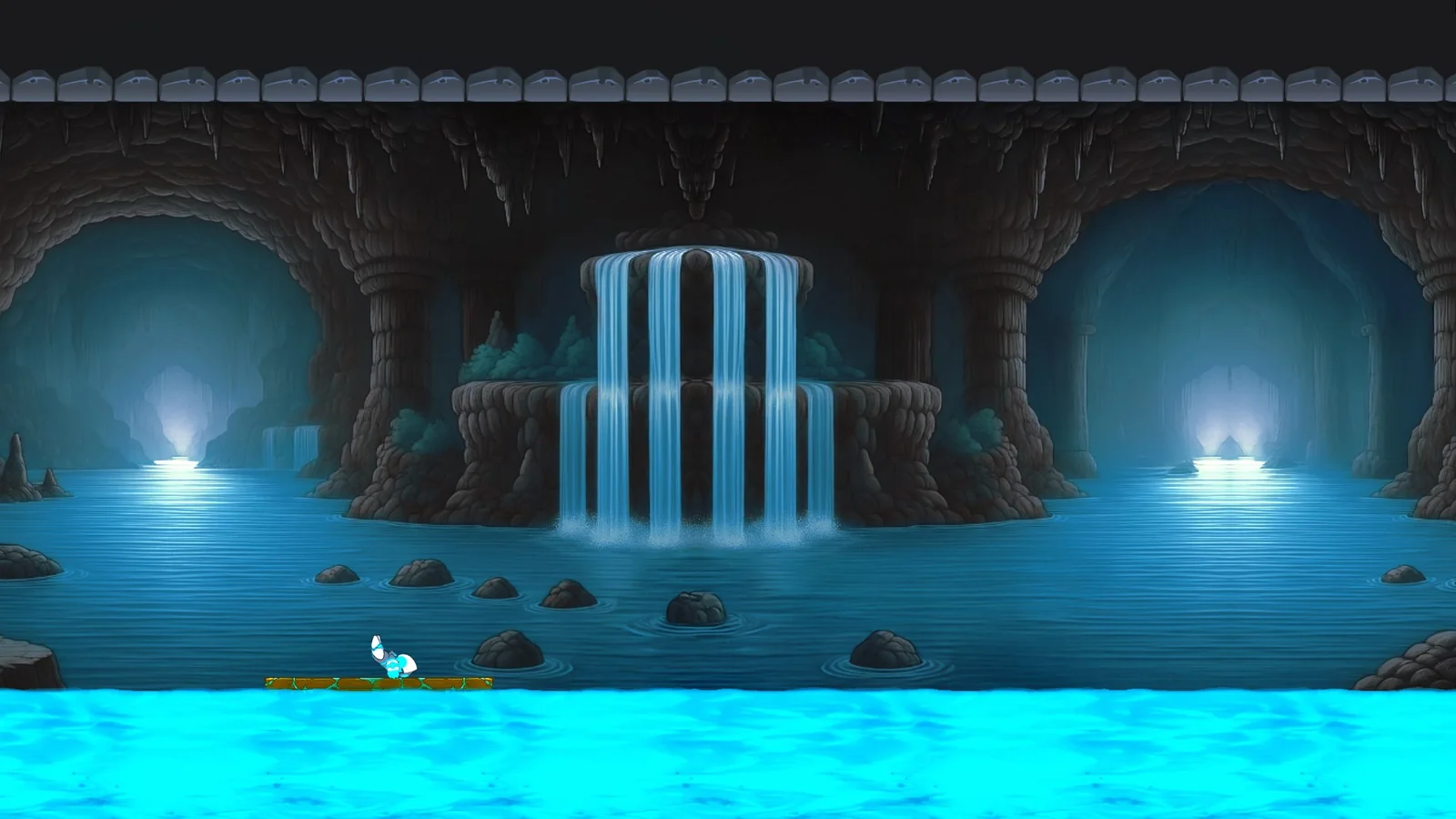
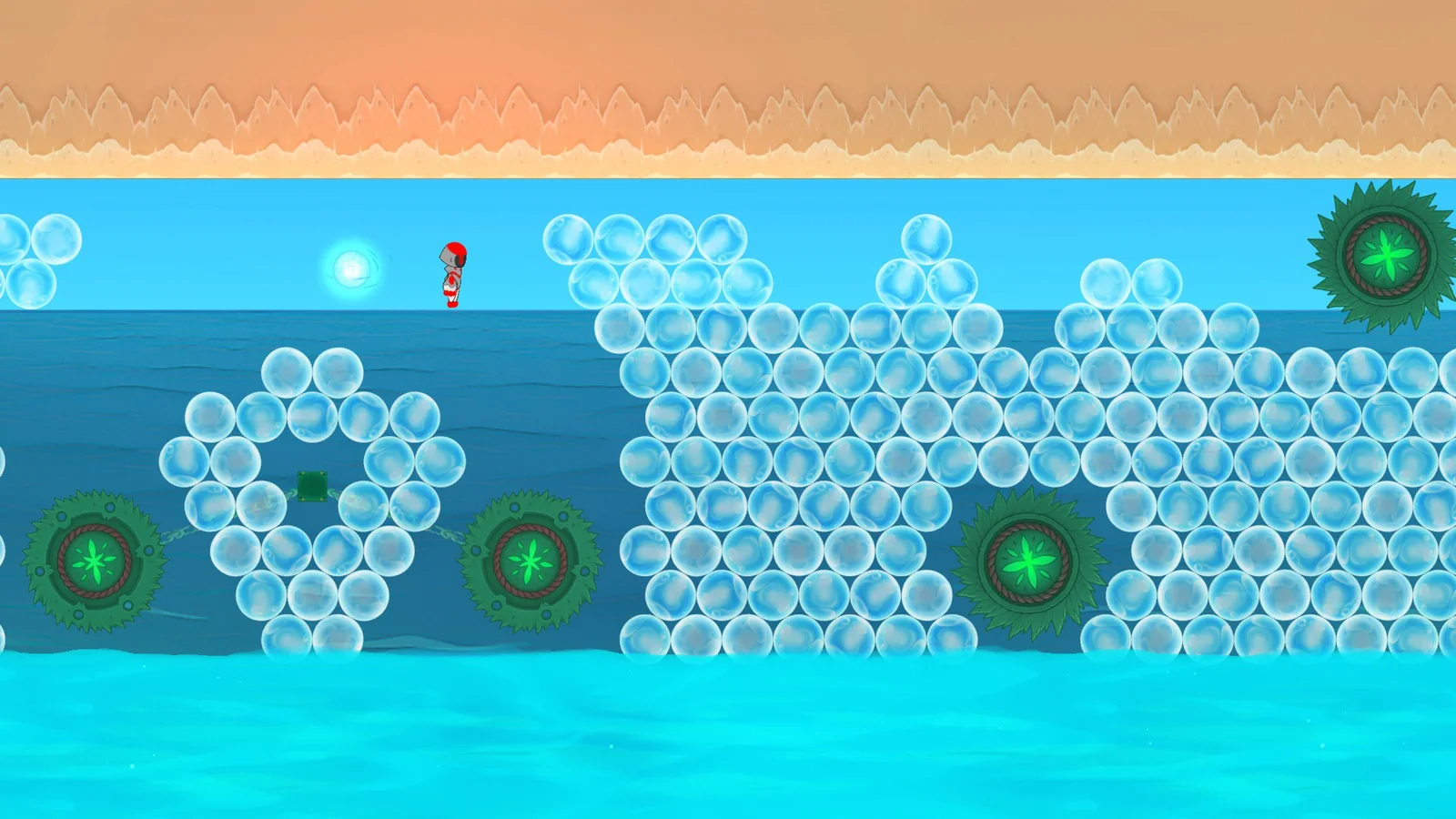
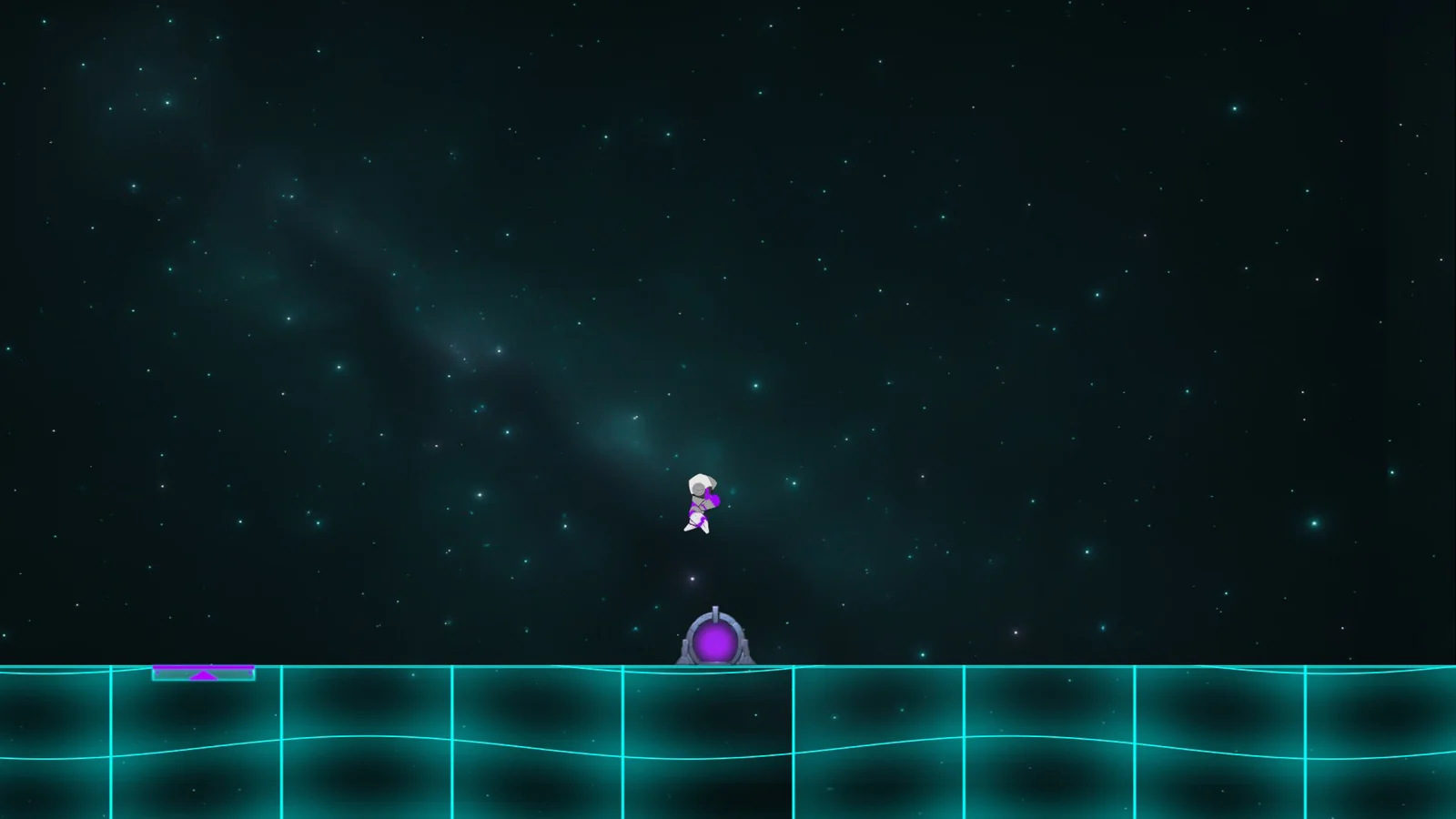
Screenshots
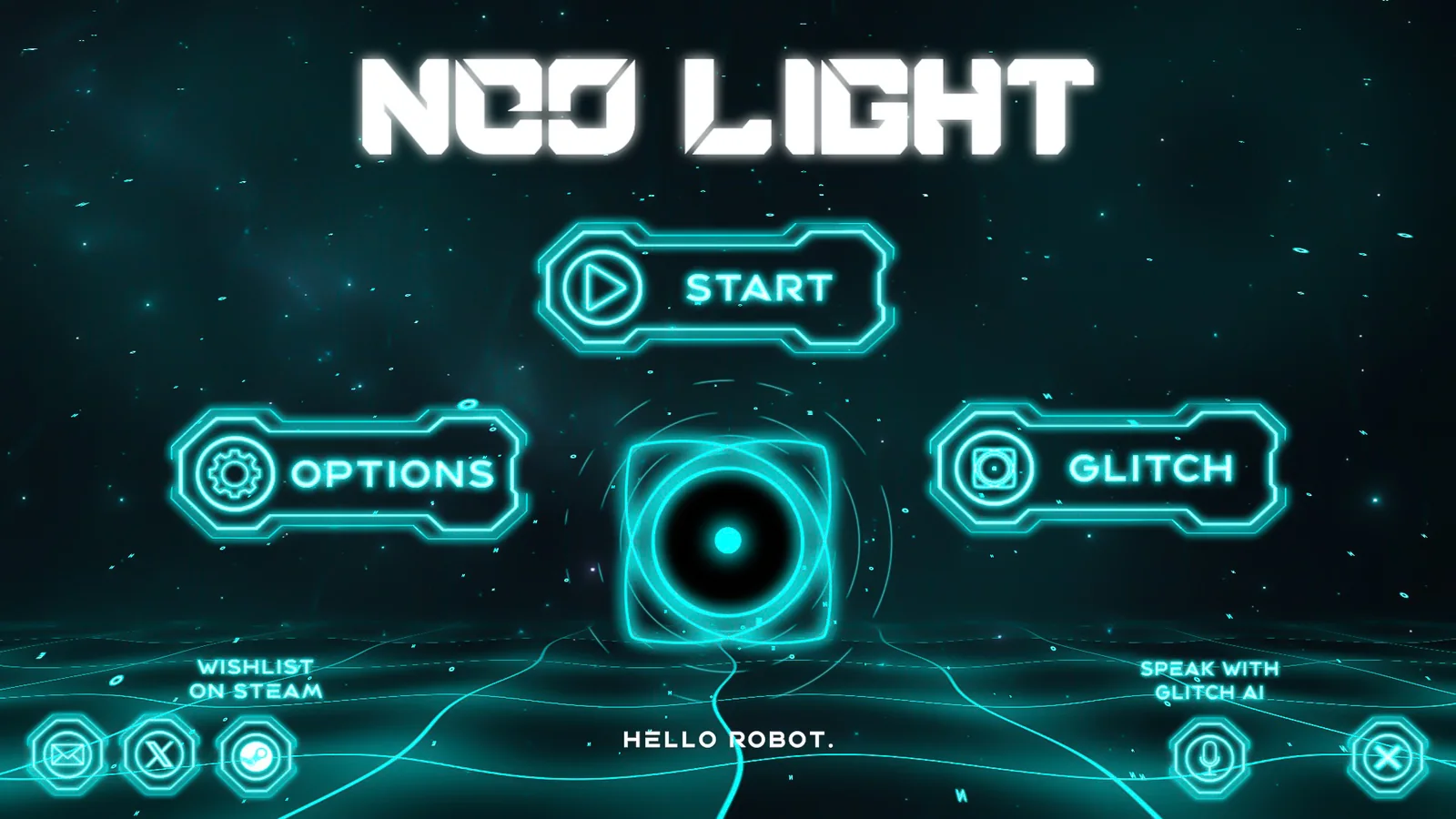
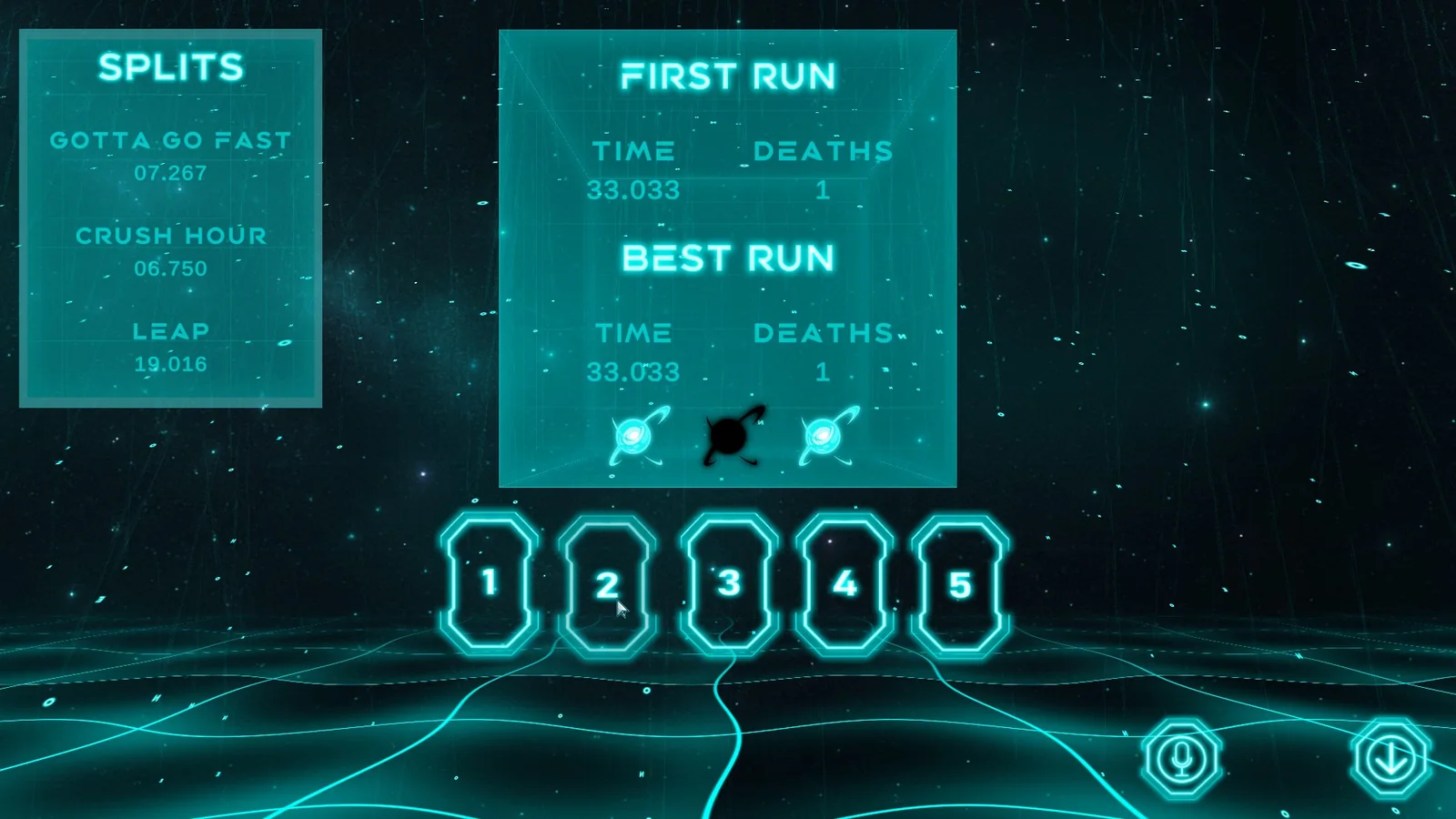
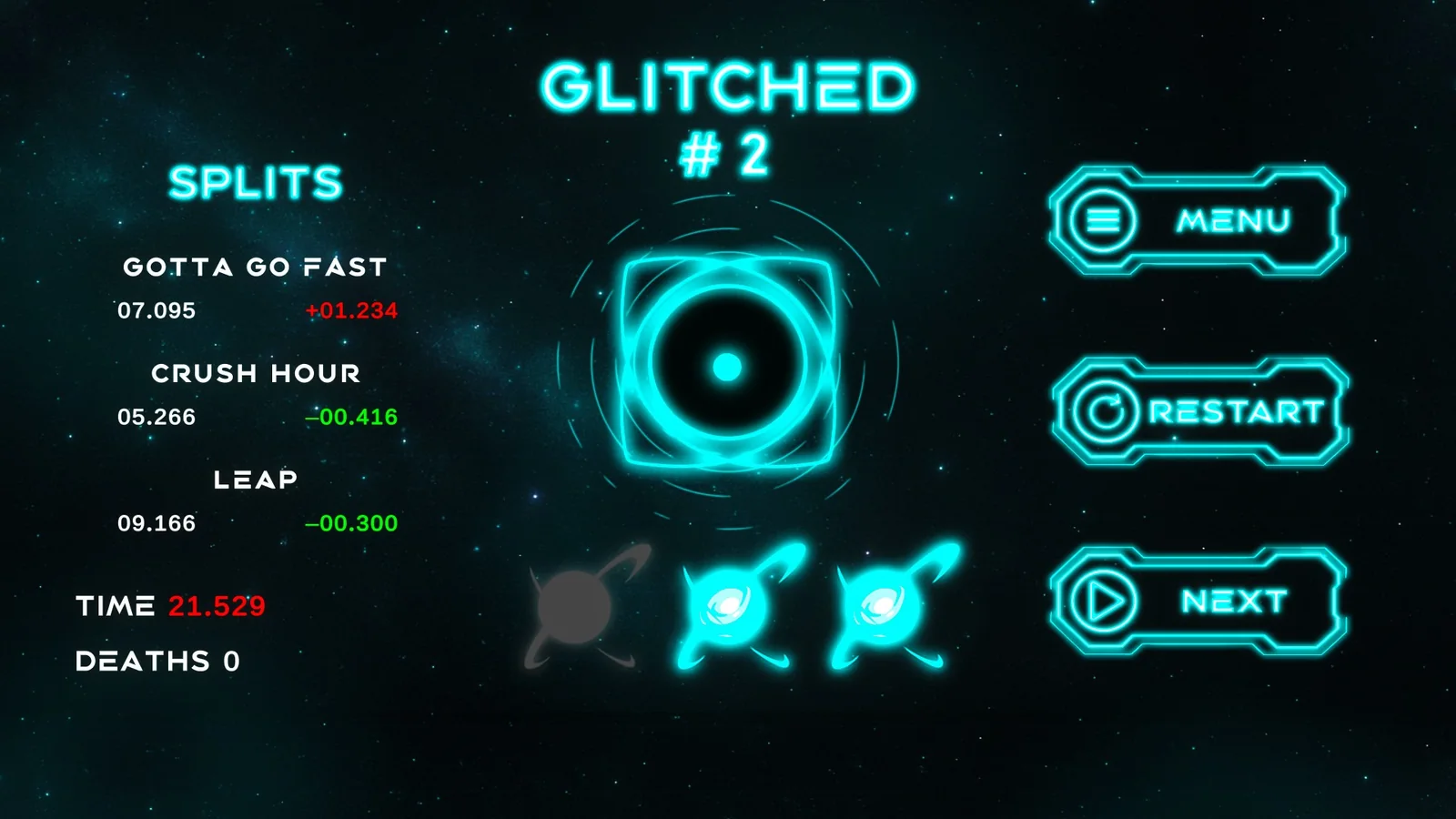
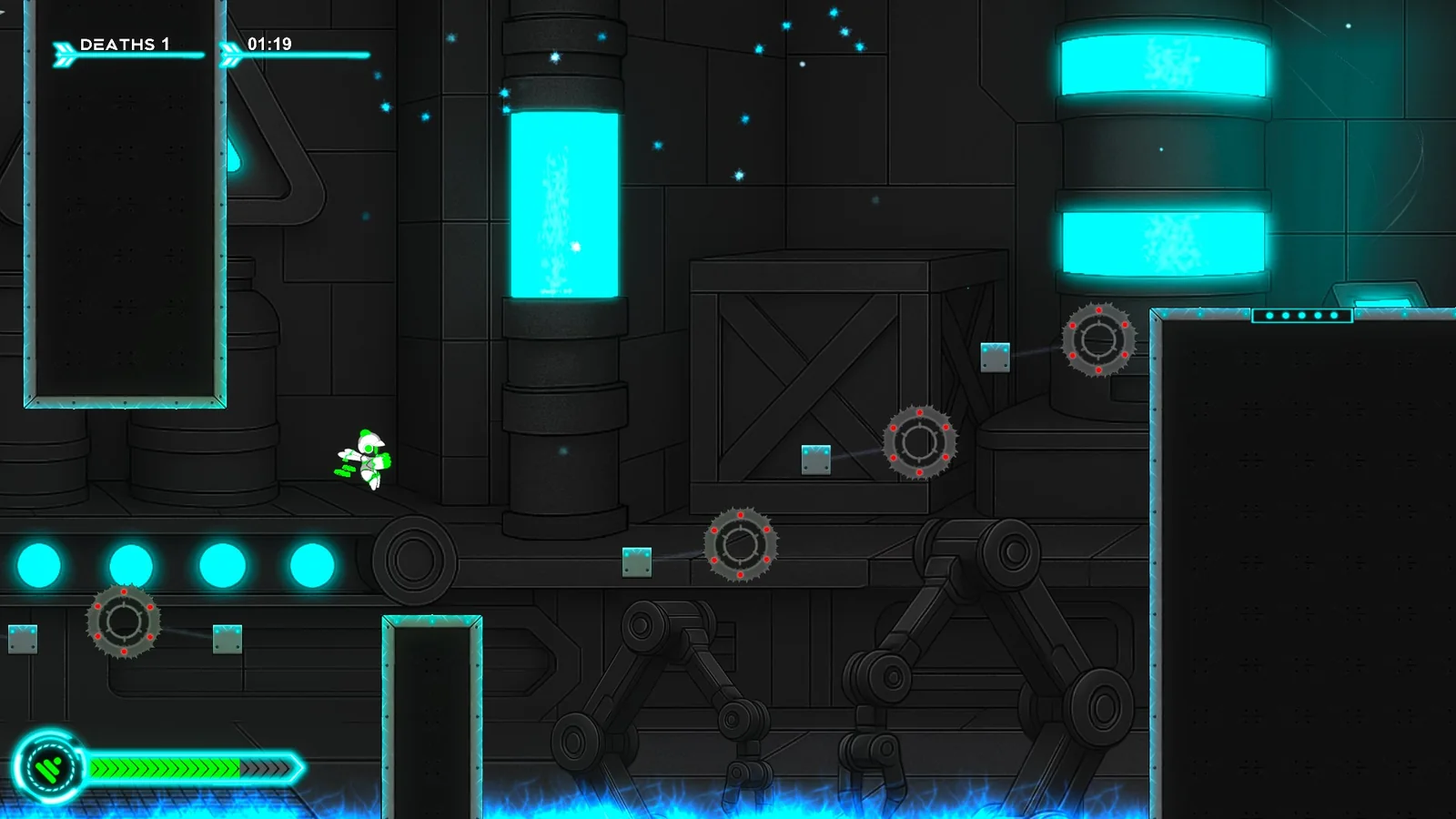
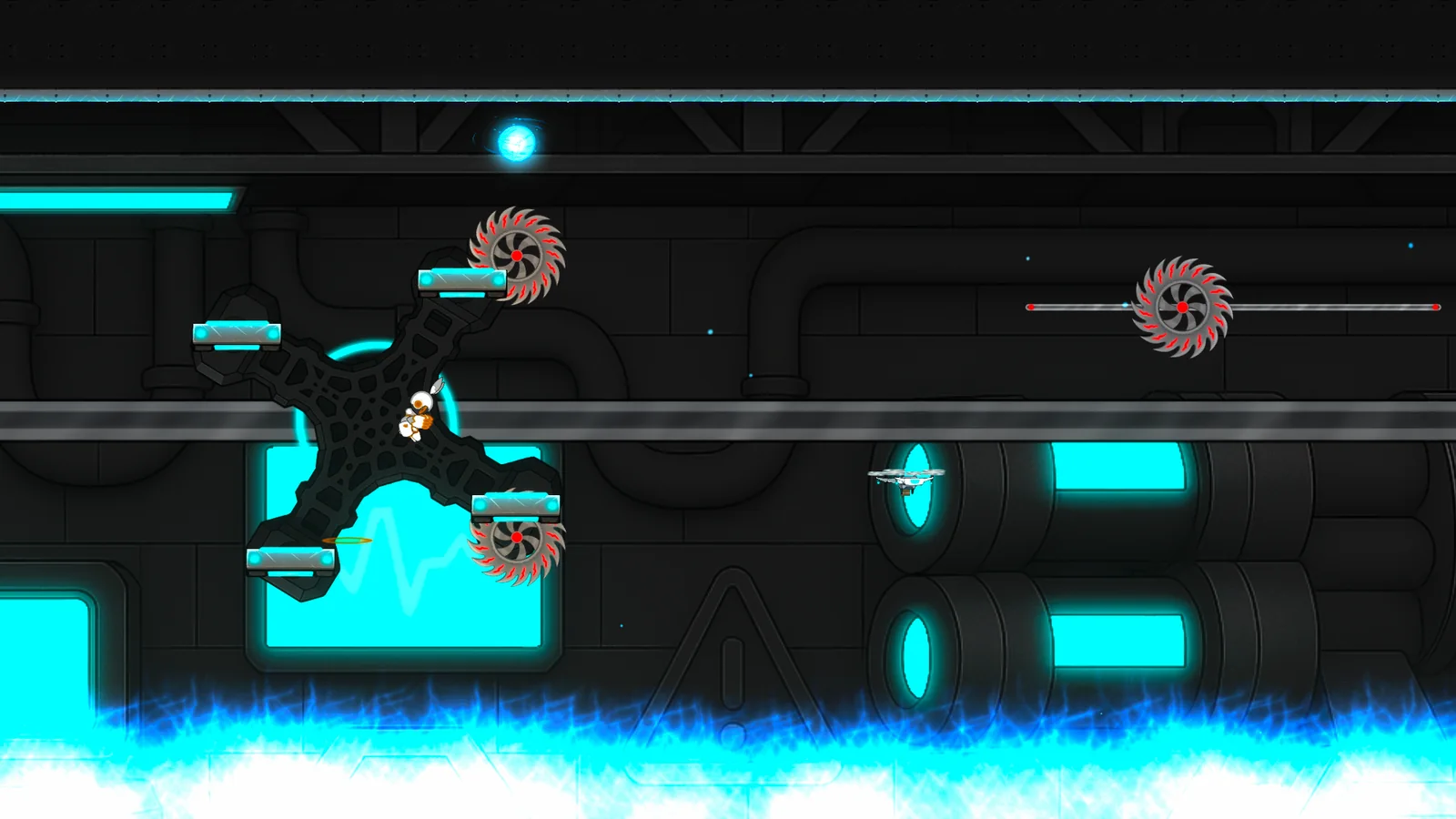
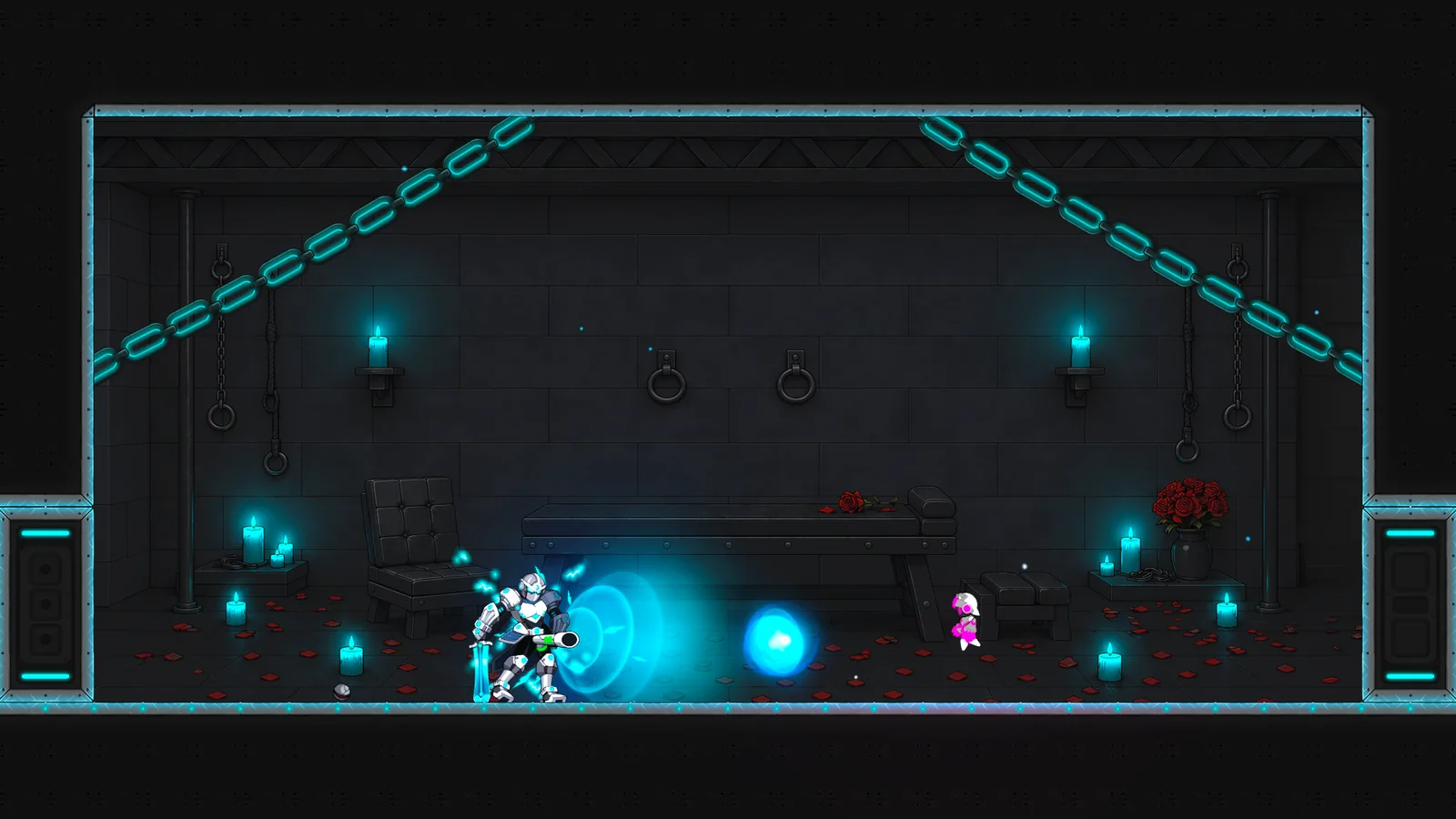
1920×1080. Open one to see it full size and download it.
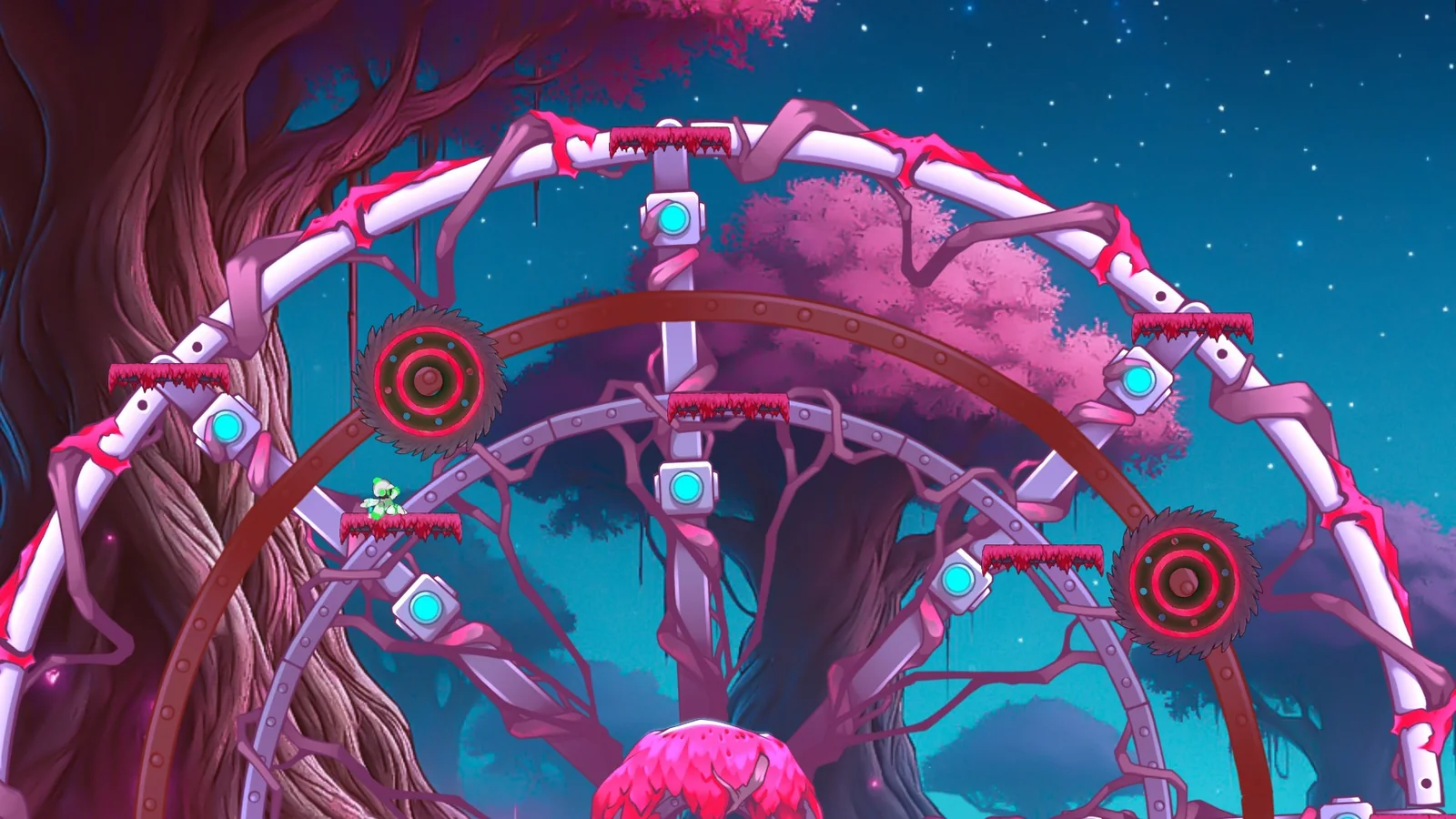
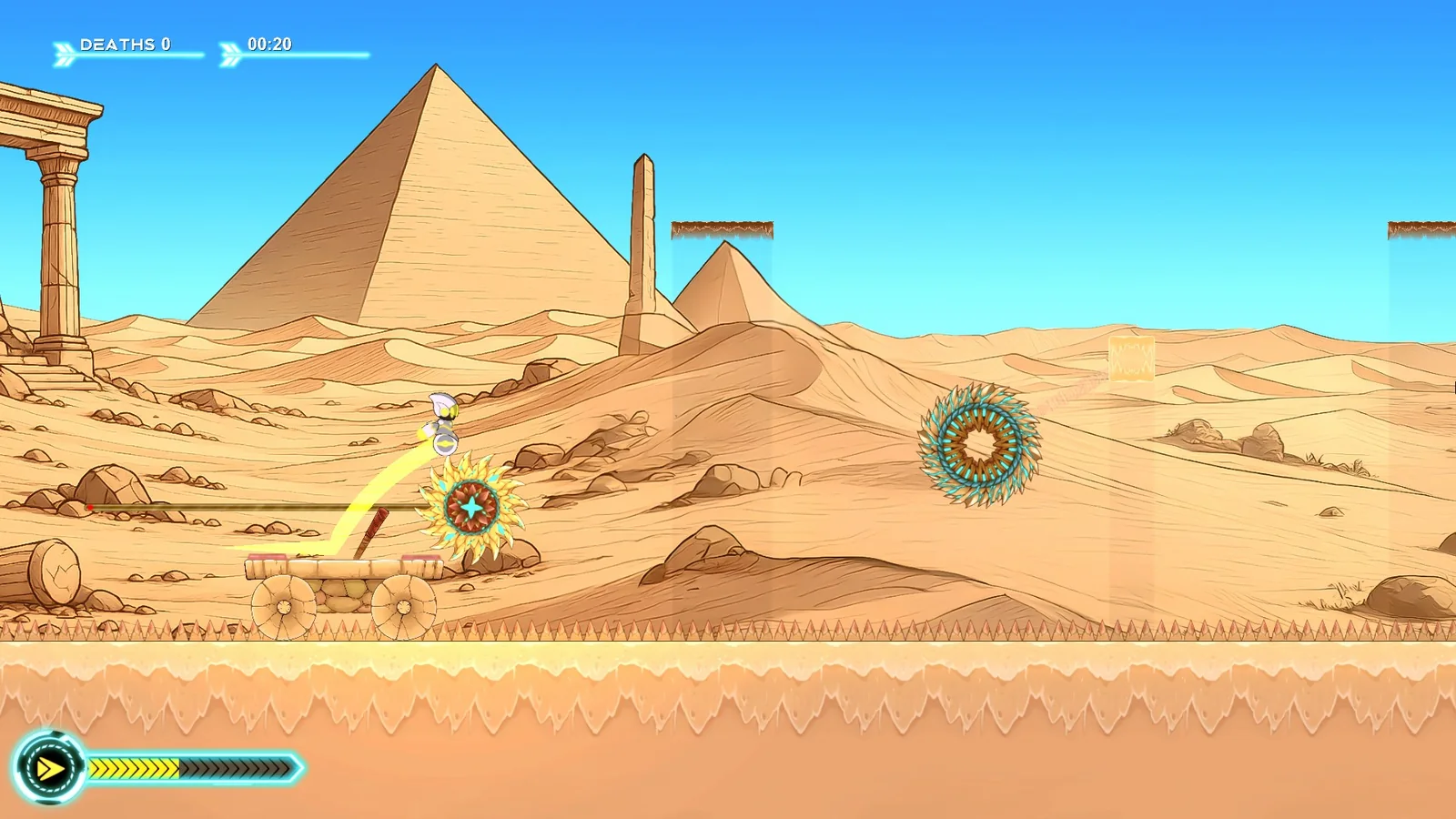
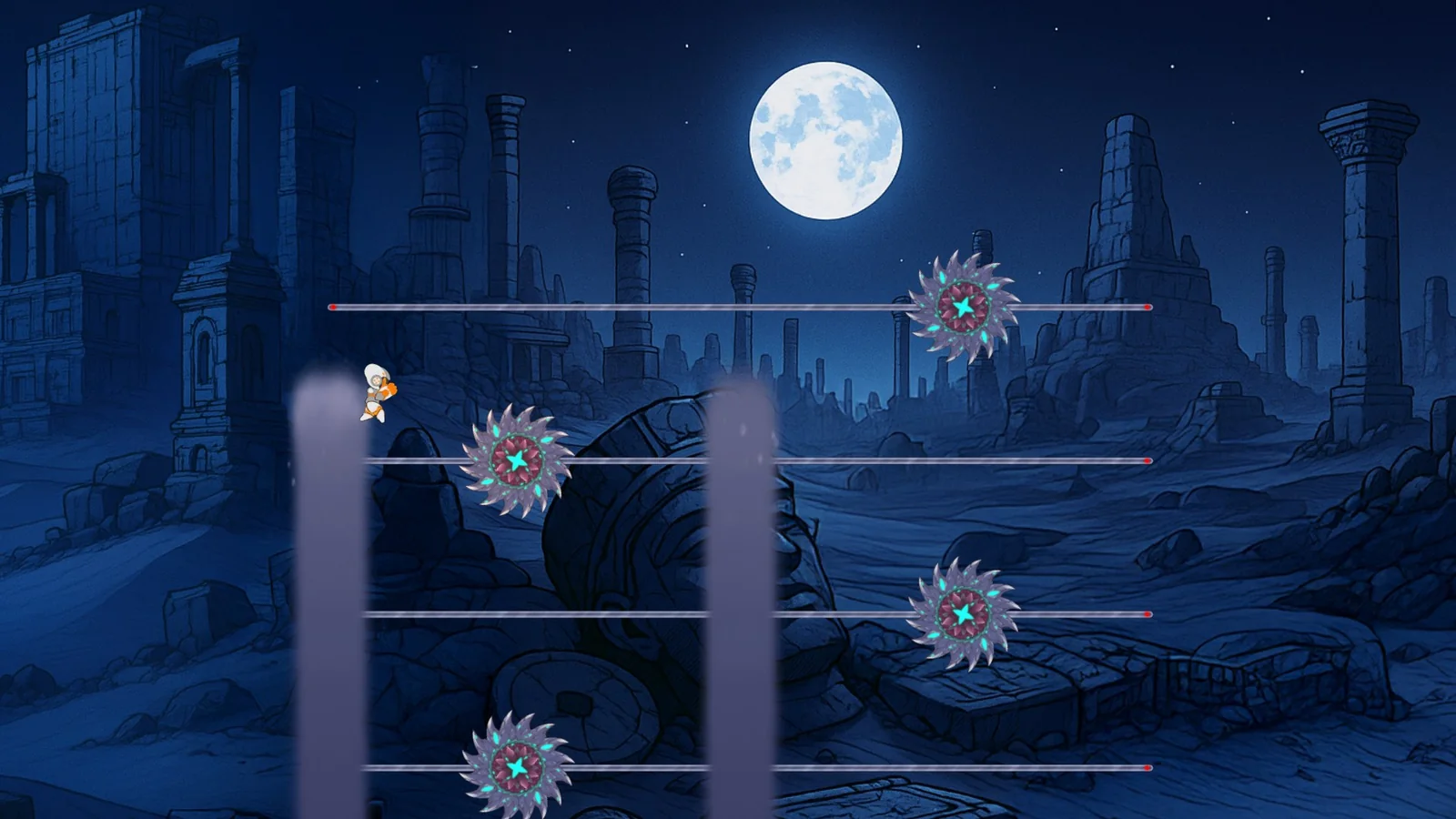
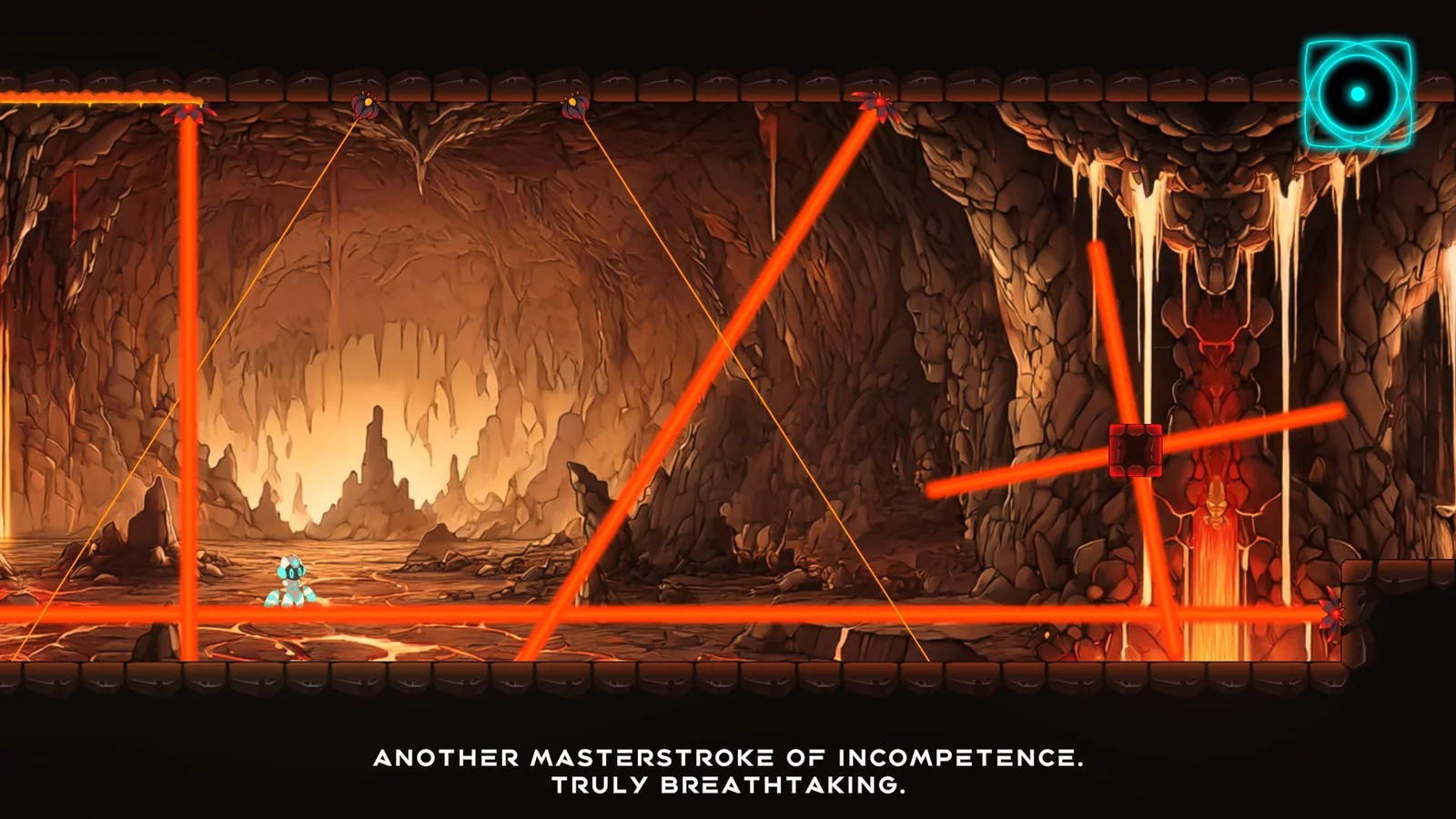

Logos
-

Logo
-

Icon
-

Glitch's eye
Glitch's eye, TransparentGlitch's eye, BlackGlitch's eye, White
-

Glitch, in game
Glitch, in game, TransparentGlitch, in game, BlackGlitch, in game, White






PNG. Transparent, or on black or white.
Key art
-
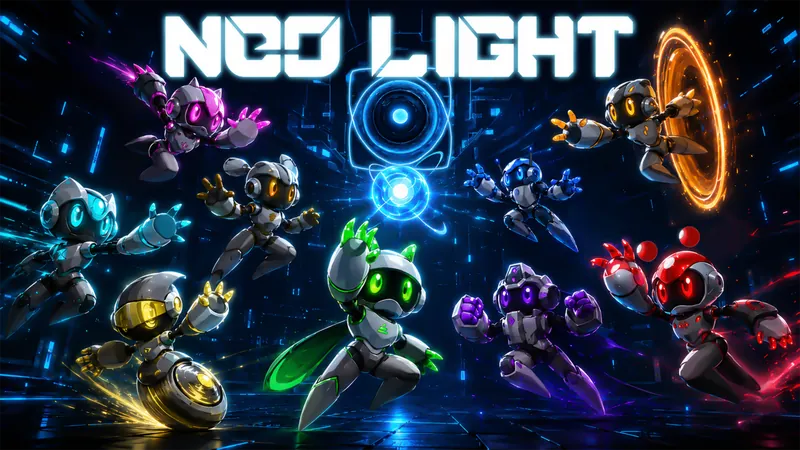
Key art
Download Key art PNG · 1920×1080 · 3.2 MB
-
Key art, without the logo
Download Key art, without the logo PNG · 1920×1080 · 3.0 MB
-
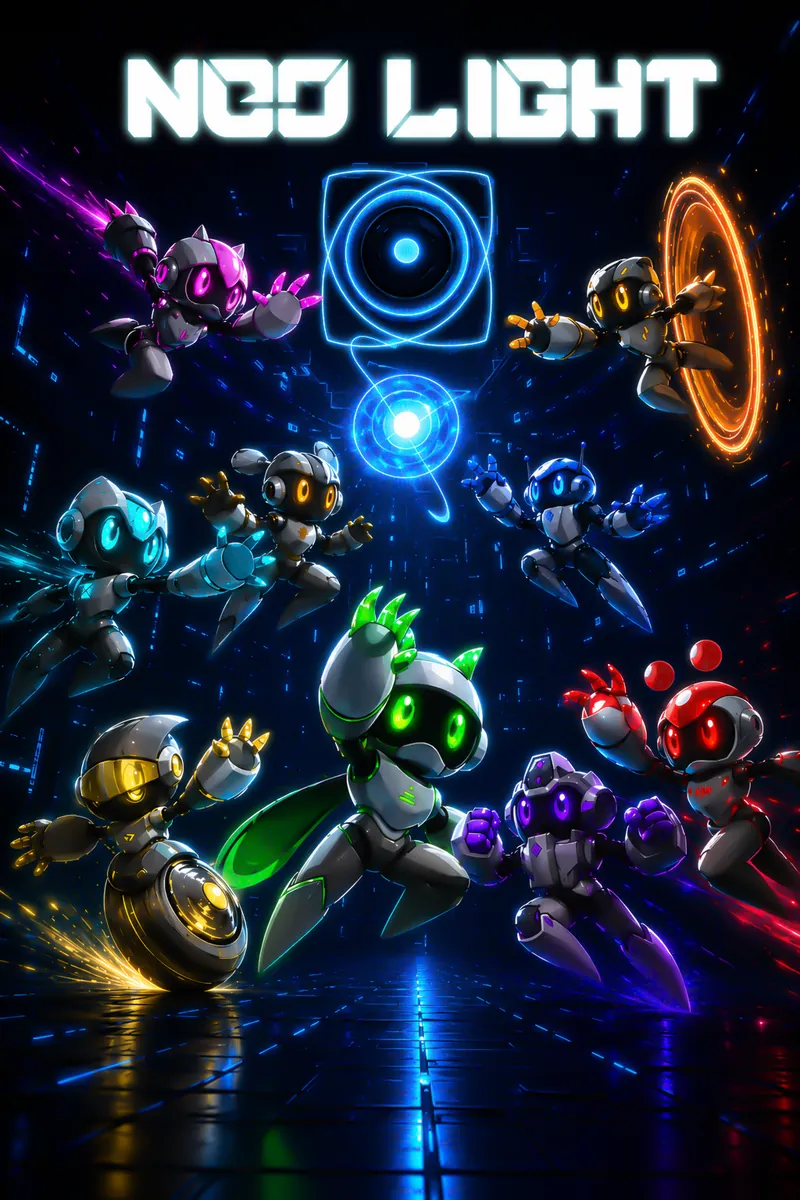
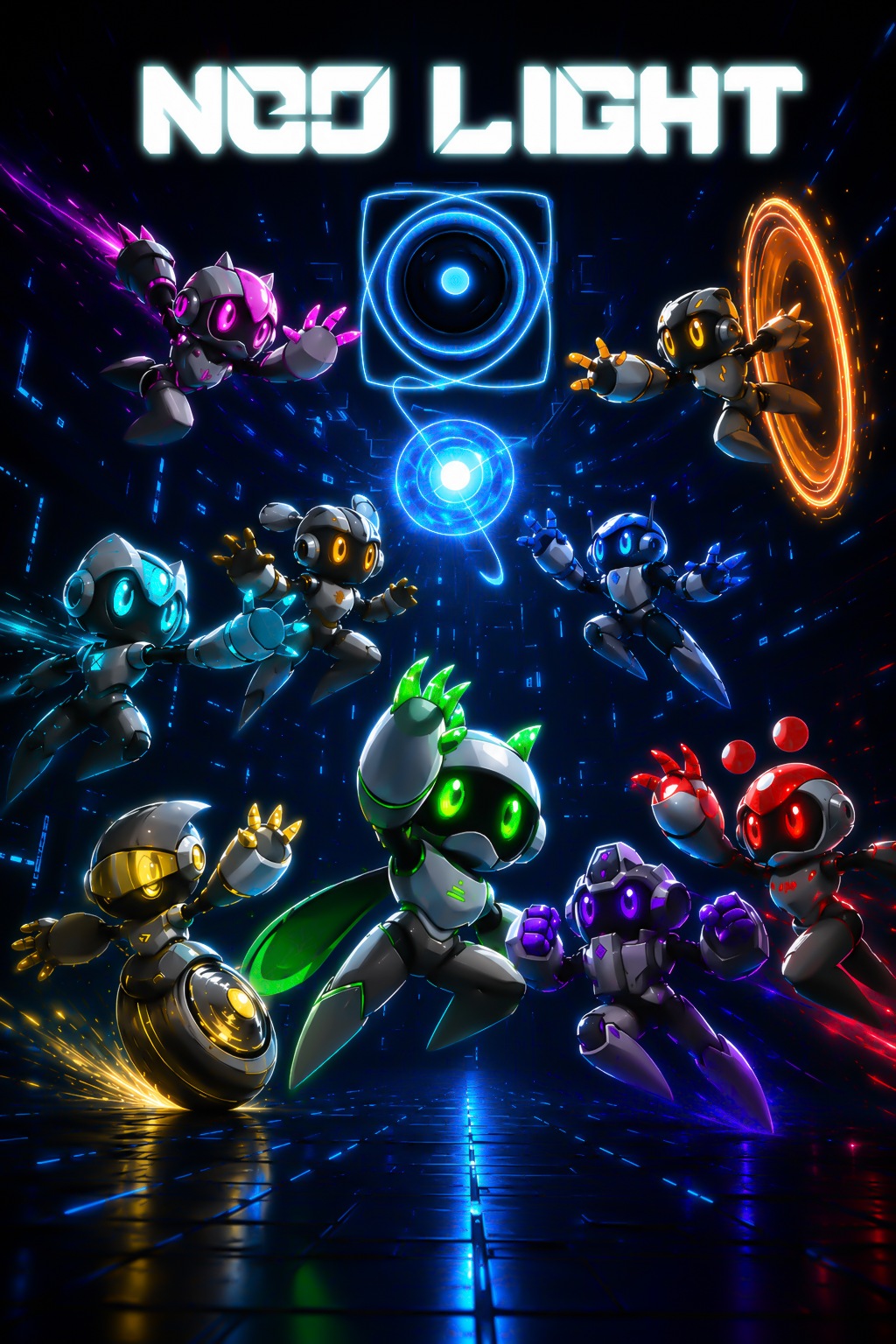
Key art, portrait
Download Key art, portrait JPG · 1024×1536 · 411 KB
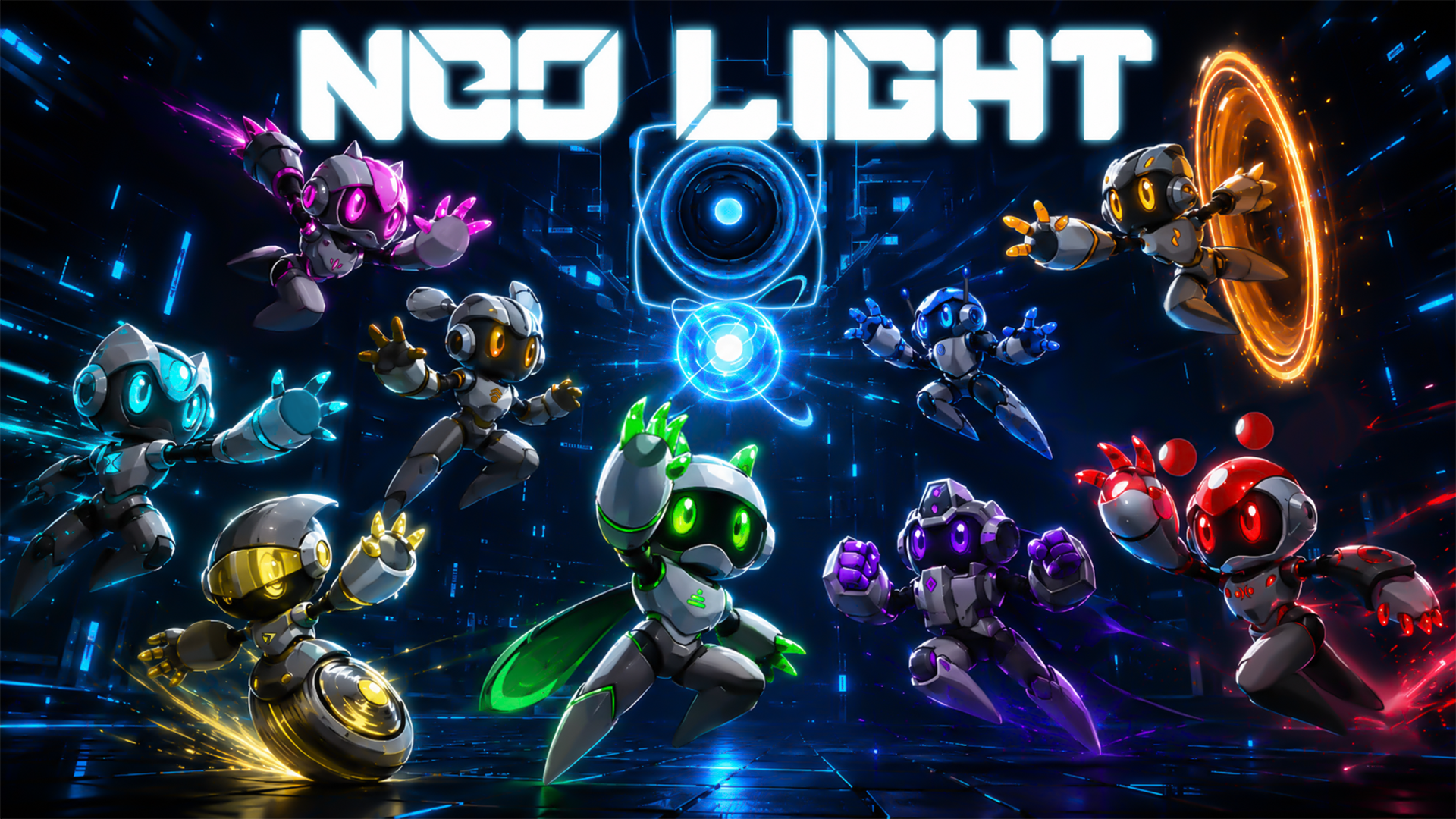
Developer
Hi, I'm Flávio, from Portugal, and I'm the solo developer of Neo Light.
I have been working full-time on Neo Light for the past 4 years, after developing it as a hobby for a few years before that. It started as a small project, but over time it grew into a full-fledged 2D platformer, made for experienced players who like platformers such as Super Mario but want a bigger challenge: a fast, difficult 2D platformer built around tight movement, instant retries, sarcastic and satirical humor, and the feeling of finally mastering something that once felt impossible and making it look easy.
Because Neo Light is made by one person, almost every part of the game has gone through years of trial, redesign, failure, and improvement. The levels, powers, bosses, art direction and Glitch, the sarcastic AI assistant, were all shaped towards the same goal: to make failure feel entertaining and rewarding instead of frustrating.
I am still improving Neo Light and honest feedback is very welcome. Since this is my first major commercial game, feedback from players, reviewers and creators is incredibly valuable, not only to make Neo Light better, but also to help me grow as a developer for future projects.
Contact
This website collects nothing: no cookies, no analytics, no forms. The game's own policy follows.
Neo Light Privacy Policy – Glitch AI
Last updated: 9 October 2026
Controller: Flávio Silva – neolightgame@gmail.com
This section explains what happens to your data when you use Glitch AI, the optional online feature in Neo Light and the Neo Light Demo on Steam. Glitch AI is off until you switch it on, and you can switch it off at any time in Options.
What happens when you talk to Glitch
Voice. Speech is turned into text on your own computer. The audio recording never leaves your device.
Your message. The text of what you say or type is sent over an encrypted connection to our server, together with game context that shapes Glitch's answer (for example your current level, area and power). Our server forwards it to OpenAI, which writes Glitch's reply and checks your message and the reply for unsafe content. We do not store your messages or Glitch's replies.
Steam check. The game asks Steam for a one-time sign-in ticket. Our server sends it to Valve to confirm your Steam account and, for the full game, that you own Neo Light (including through Steam Family Sharing). We receive your Steam ID from Valve but never store it in readable form.
What we store
Token balance. A pseudonymous identifier, the type of balance (demo or full game), how many tokens were granted, used and remain, when the balance was created, the time of your last Glitch request and a random request number used to avoid charging you twice. The identifier is a one-way keyed hash of your Steam ID; it cannot be turned back into your Steam ID without a secret key that exists only on our server.
Usage statistics. The date, the AI model used, the amount of AI processing and whether a safety filter replaced a reply. These records contain no identifier and are deleted after 90 days.
Technical logs. Our hosting provider automatically keeps request logs, which can include IP addresses and basic connection details, for up to 30 days for security and troubleshooting.
On your device. Your Glitch AI on/off choice and the last known token balance.
Why we use this data
To provide Glitch AI after you switch it on (performance of a contract, GDPR Art. 6(1)(b)).
To prevent abuse, keep the free token allowance fair, control costs and keep the service secure (legitimate interests, GDPR Art. 6(1)(f)).
How long we keep it
Token balance: while you use Glitch AI. After 365 days without any Glitch AI use, or when you ask us to erase your data, it is reduced to the token counts linked to the pseudonymous identifier. We keep this minimal record so the one-time token allowance cannot be claimed again.
Usage statistics: 90 days. Technical logs: 30 days. Database backups: 14 days.
Who processes the data for us
Valve Corporation (Steam): account and ownership verification.
Google (Firebase / Google Cloud, United States): servers, database and logs.
OpenAI: generating Glitch's replies and safety checks. OpenAI states that data sent through its API is not used to train its models by default.
These providers are based in the United States. Transfers rely on the Standard Contractual Clauses offered by these providers and, where available, the EU–U.S. Data Privacy Framework.
Your rights
You can ask for access to, correction, erasure or restriction of your data, object to its use, or ask for a copy. Email neolightgame@gmail.com and include your SteamID64 (you can find it with steamid.io) so we can locate your balance. We answer within one month. You can switch Glitch AI off at any time in Options. You also have the right to complain to a data protection authority; in Portugal this is the CNPD (www.cnpd.pt).
AI-generated content
Glitch's replies are generated automatically. Glitch is a sarcastic character, and replies may be rude, wrong or unexpected. Instructions and automatic safety filters are used to block harmful content. If you see something that should not be there, use Steam's in-game report option or email us.
Changes
If this section changes, we will update the date at the top. Significant changes will also be announced on the game's Steam page.